








A shared knowledge base for humans and agents.
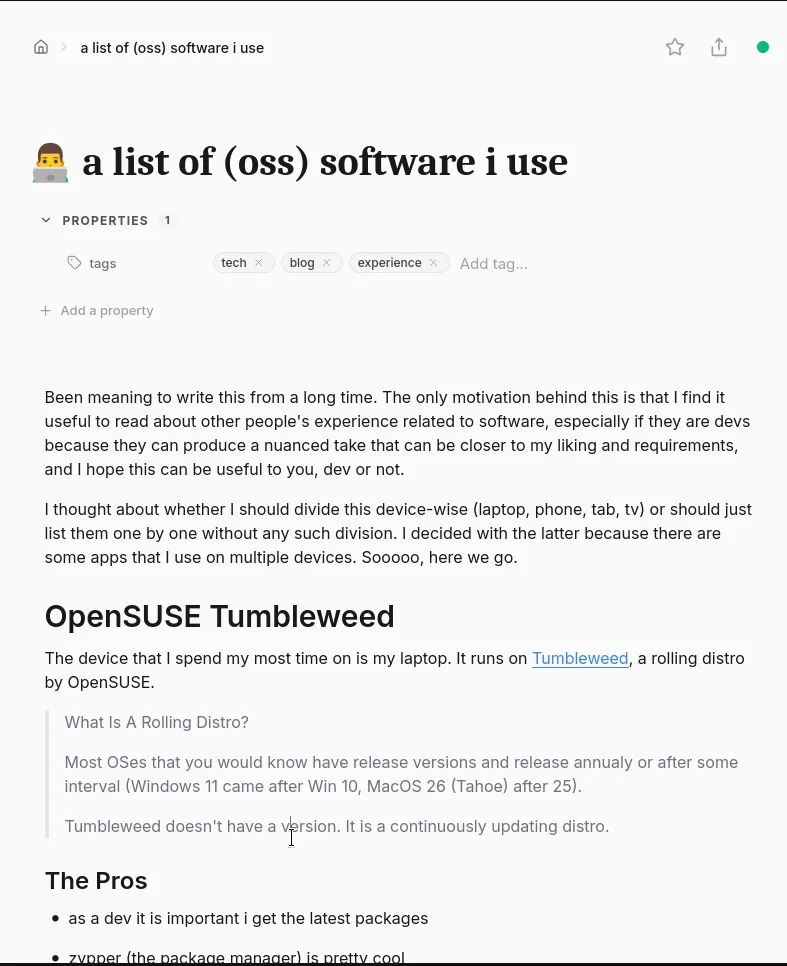
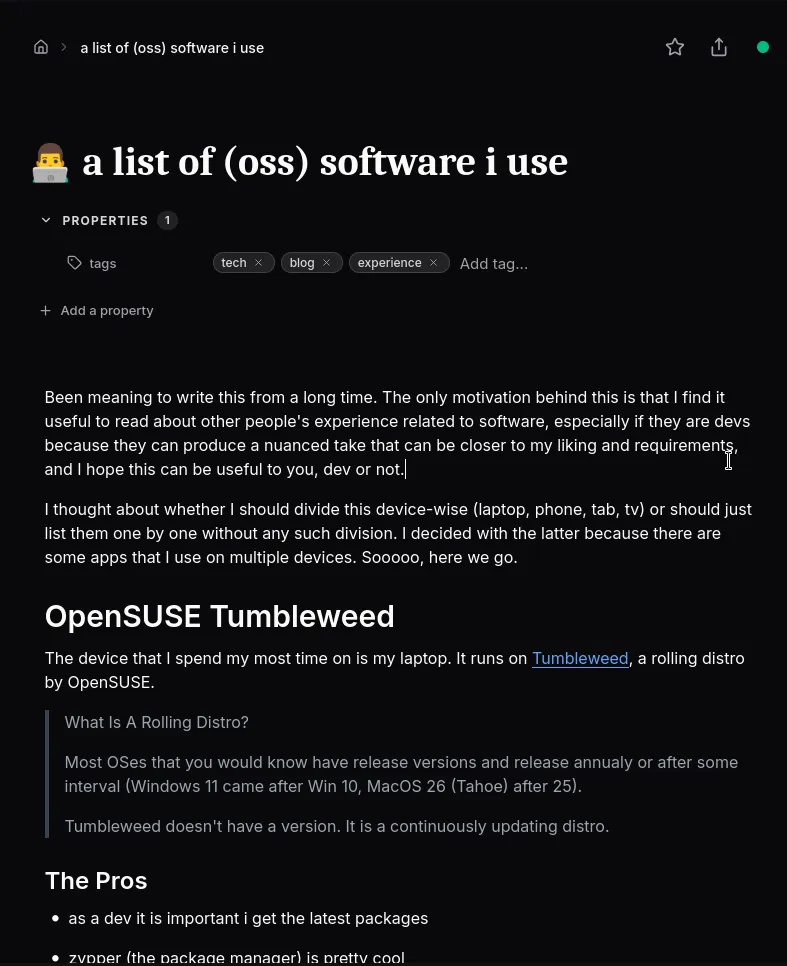
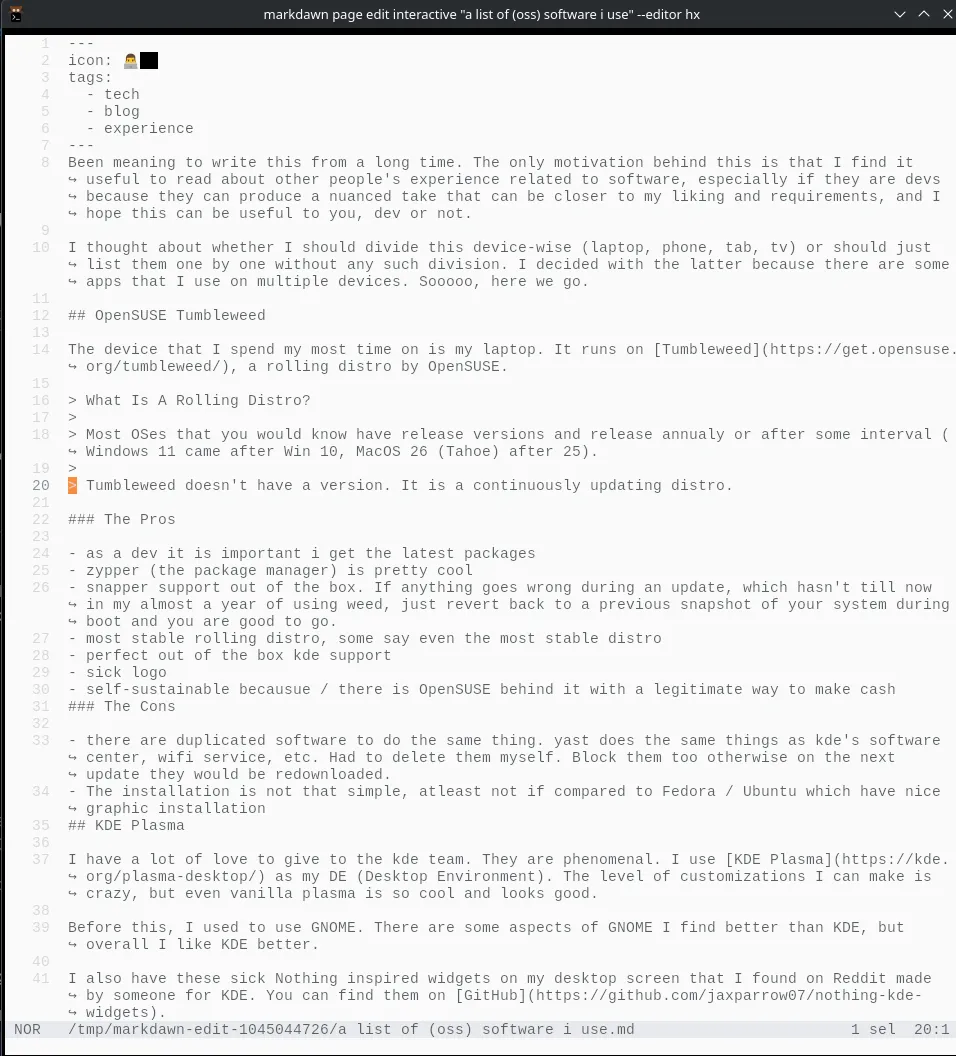
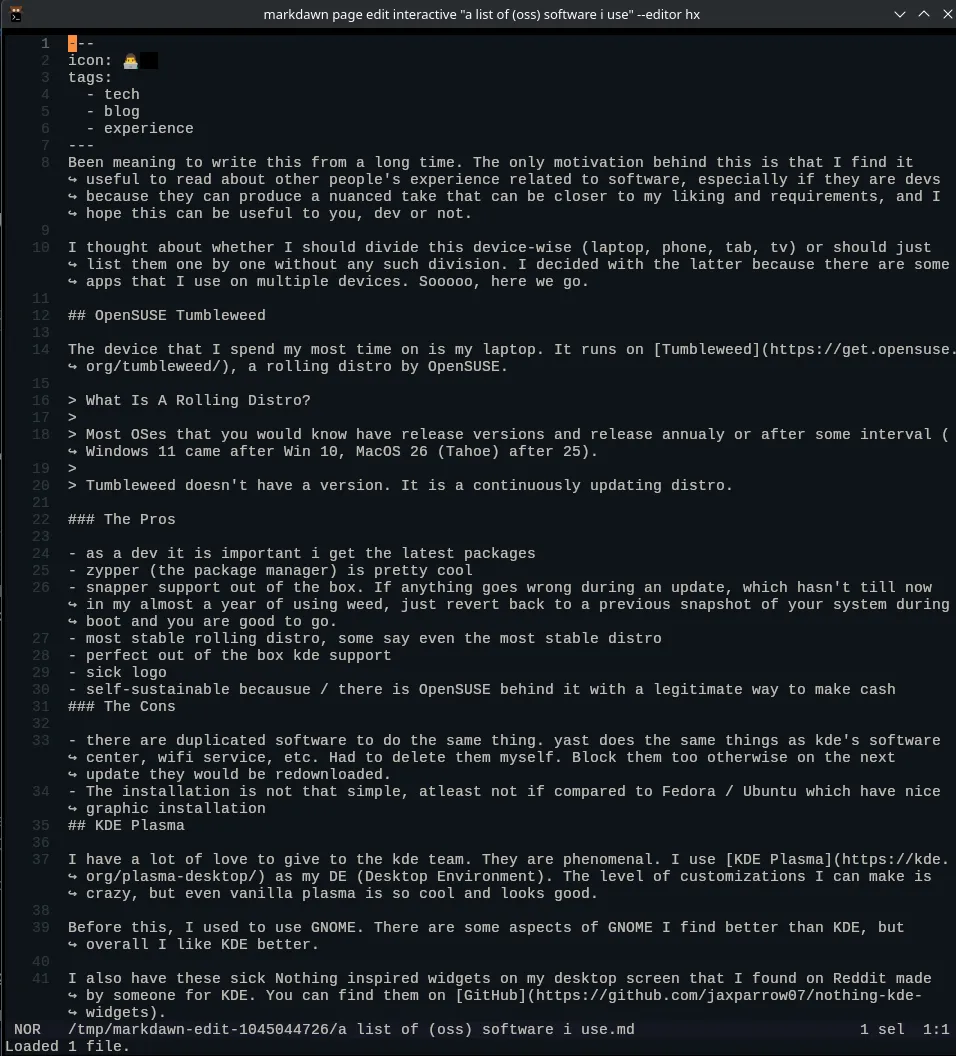
The same information exposed through the browser, MCP, CLI, or API.
One page. Every way to work.
Write in the browser, read from the terminal, or let an agent make a targeted edit. Everyone reaches the same page, so there is no second copy to sync and no wrapper to maintain.
Work together without losing control.
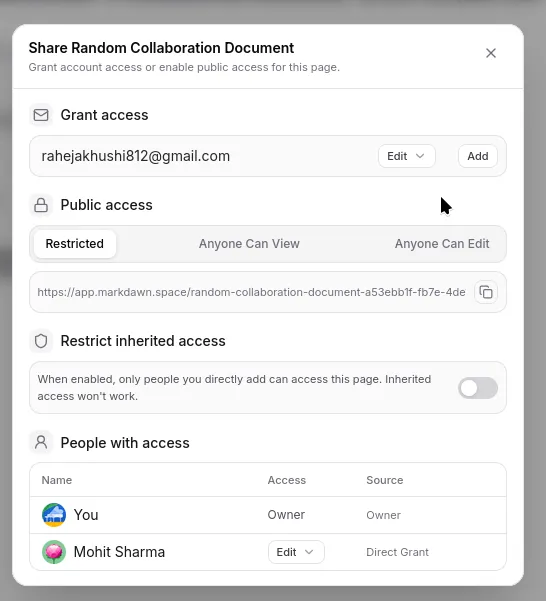
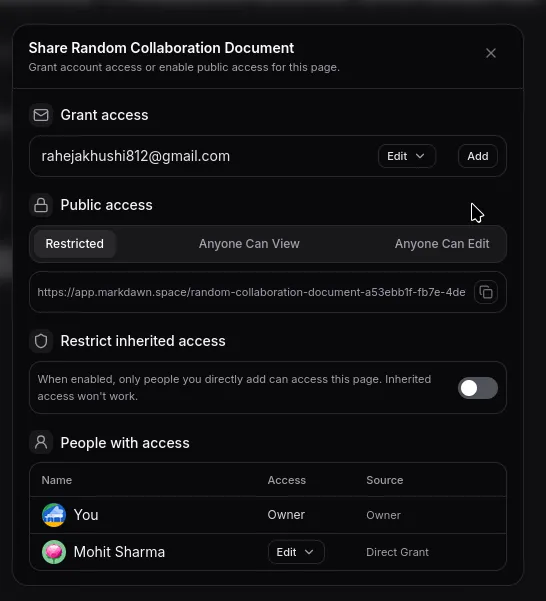
Give collaborators View, Edit, or Admin access. When they are connected, everyone can edit the same page in real time and see the collaboration status. If the connection drops, Metakip switches to read-only instead of accepting edits against stale content.
Keep the context with the content.
Link to another page with [[Page Name]]. Folders keep related pages together; backlinks show how a page is used elsewhere. Your notes become a path through the subject, not a collection of isolated files.
Give agents boundaries, not a blank check.
Create a named API token and start with read access. When an assistant needs to write, the CLI can make an exact replacement on the current page. It refuses to guess when the passage is missing, repeated, or has changed—so automation does not become a silent rewrite.
Keep your notes portable.
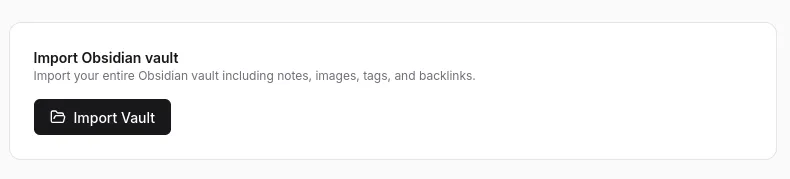
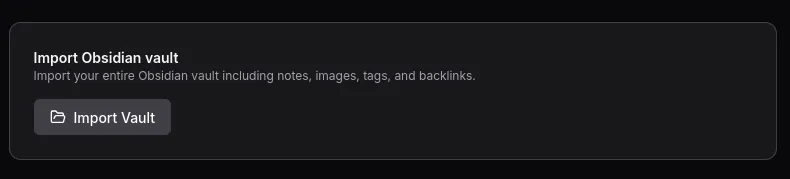
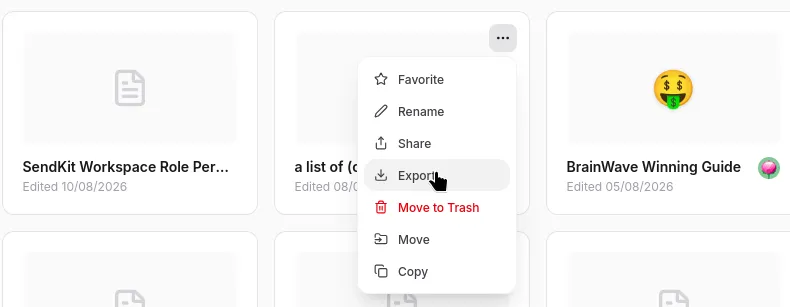
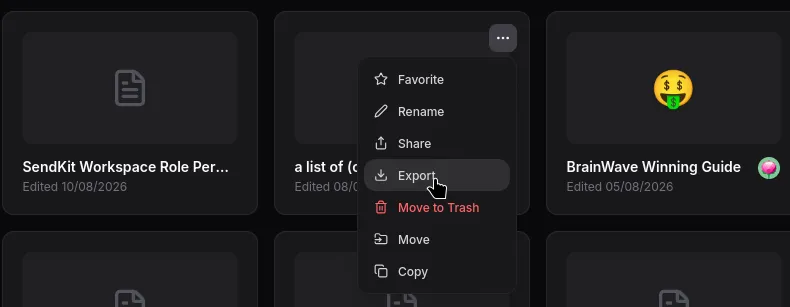
Import one markdown file, a folder, or an Obsidian vault. Export a page or the whole workspace from the CLI. Use Metakip as a hosted service, or run the open-source application on infrastructure you control.